
Modern Renault vehicles, including the popular Duster and Megane models, are equipped with the latest generation of Engine Control Modules (ECMs). The specific ECU version used in these cars is the ME17.9.23, a unit that brings significant performance and efficiency improvements over its predecessors. However, this advanced ECU also introduces a formidable challenge for automotive workshops and diagnostic professionals: a robust security lock that prevents unauthorised access to the module's internal data.
The integrated circuit (IC) inside the Renault ME17.9.23 is protected by a hardware-level lock. This security measure effectively blocks most conventional diagnostic tools from performing read or write operations. As a result, essential tasks such as ECU cloning, performance tuning, and even basic repairs become nearly impossible without the right equipment. The lock is designed to deter tampering, but for legitimate workshop use, it creates a significant bottleneck that demands a specialised solution.
Fortunately, OBDSTAR ECU Master has emerged as a reliable and powerful tool capable of overcoming this security barrier. With the correct bench wiring setup and the dedicated PC software, technicians can safely read both the EEPROM and Flash data from the locked ME17.9.23 ECU. In this article, we provide a detailed, step-by-step guide on how to perform this operation, highlighting the tool's ease of use, clean connections, and stable performance.
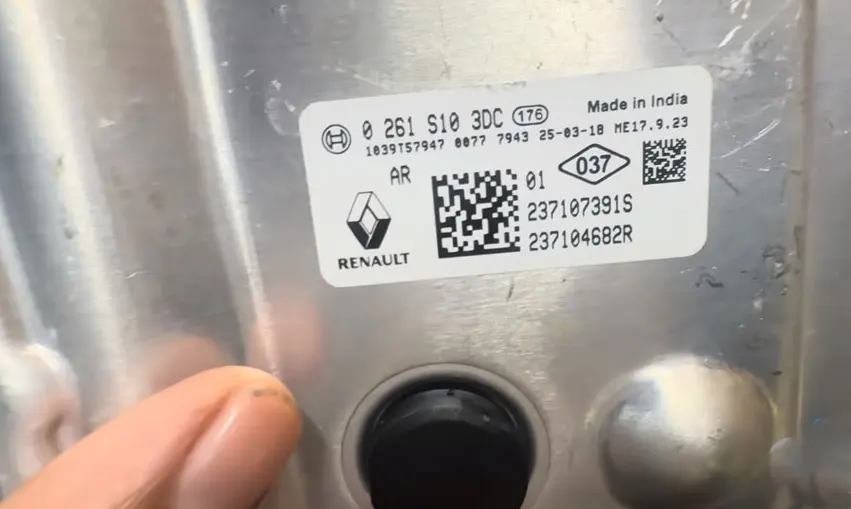
Why the Renault ME17.9.23 ECU Poses a Challenge
The Renault ME17.9.23 is built around the Infineon TC1724M microcontroller, which is known for its high performance and advanced security features. The IC lock on this particular ECU is not a simple software flag; it is embedded at the hardware level, making it resistant to generic OBD-II commands. Many aftermarket tools fail to establish a stable communication channel with the MCU, often resulting in read errors, timeouts, or incomplete data extraction.
For workshops that specialise in Renault vehicles, this lock can be a major frustration. Whether you need to replace a faulty ECU, duplicate a module for a spare, or fine-tune engine parameters for better performance, the inability to access the memory content renders the ECU effectively "black-boxed." This is where the OBDSTAR ECU Master distinguishes itself, offering a proven workflow that respects the security protocols while delivering consistent results.
OBDSTAR ECU Master – The Right Tool for the Job
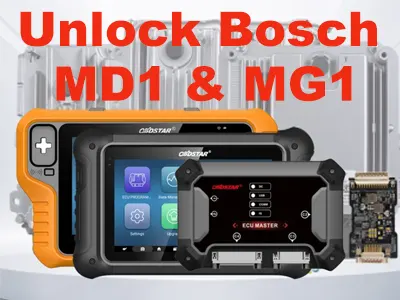
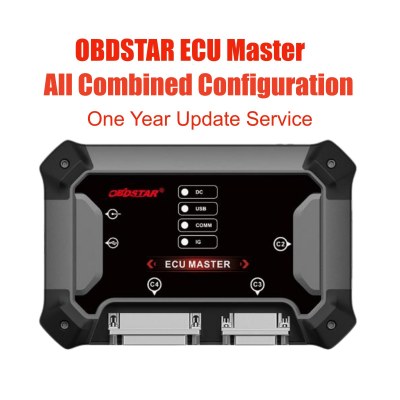
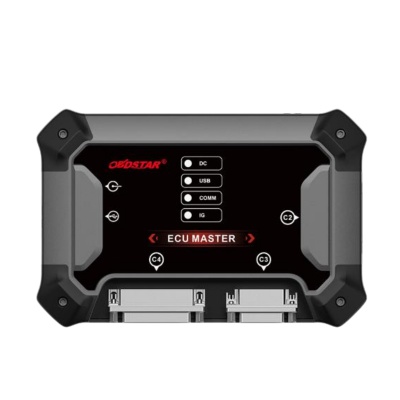
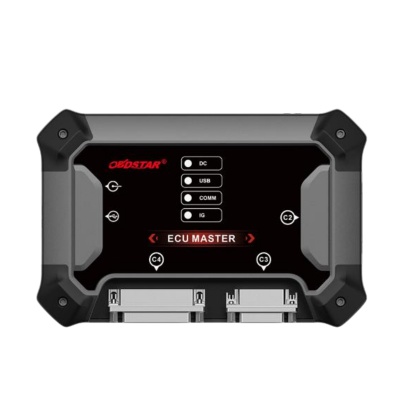
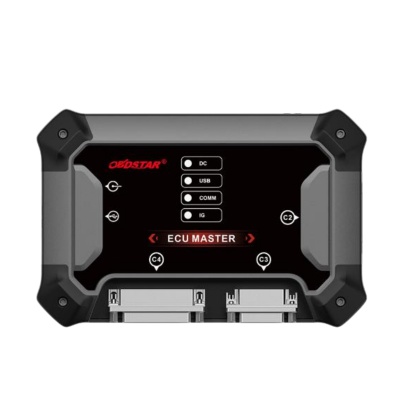
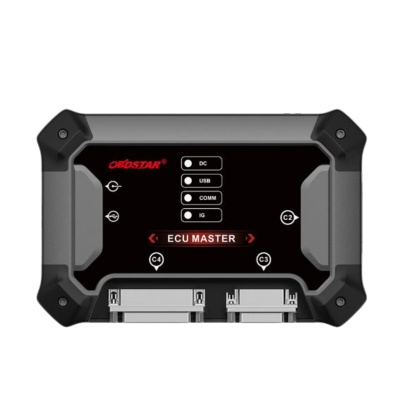
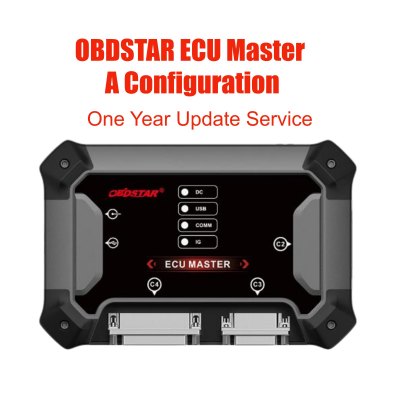
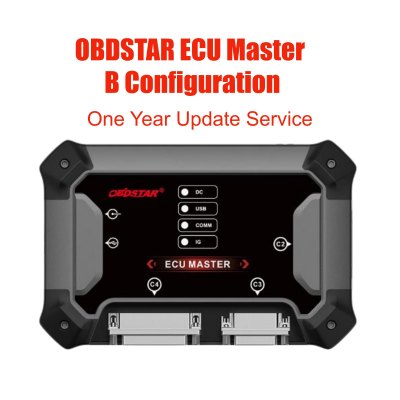
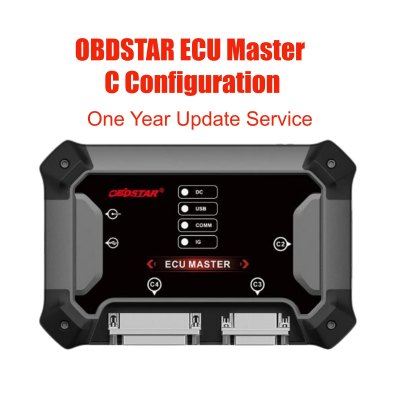
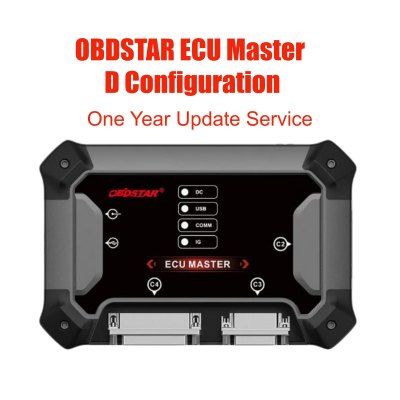
The OBDSTAR ECU Master is a professional-grade solution designed specifically for reading and writing modern ECUs. It supports a wide range of vehicle brands and ECU types, with the Renault ME17.9.23 being one of its key supported targets. The tool operates in bench mode, meaning the ECU is connected externally via a wiring harness, bypassing the vehicle's OBD-II port for a more direct and reliable communication path.
One of the standout features of the ECU Master is its intuitive PC software. The interface is clean, and the workflow is logically structured to guide technicians through each step. The software also leverages an active internet connection to access online resources, ensuring that the latest protocols and security bypasses are always available. This online dependency, while sometimes seen as a drawback, actually guarantees that the tool stays up-to-date with the latest ECU variants.
Step-by-Step Procedure to Read the Renault ME17.9.23 ECU
1. Launch the ECU Master PC Software
Begin by installing and running the OBDSTAR ECU Master software on a Windows-based PC or laptop. Ensure that your computer has a stable internet connection, as the software will need to verify licences and download any necessary protocol definitions for the ME17.9.23.
2. Quick Search and Model Selection
Use the software's quick search function to locate the correct ECU profile. Type "ME 17.9.23" or scroll through the list to find ME 17.9.23 TC1724M IC ECU. Selecting the correct model is crucial, as each ECU variant may have slightly different pinouts and communication parameters.
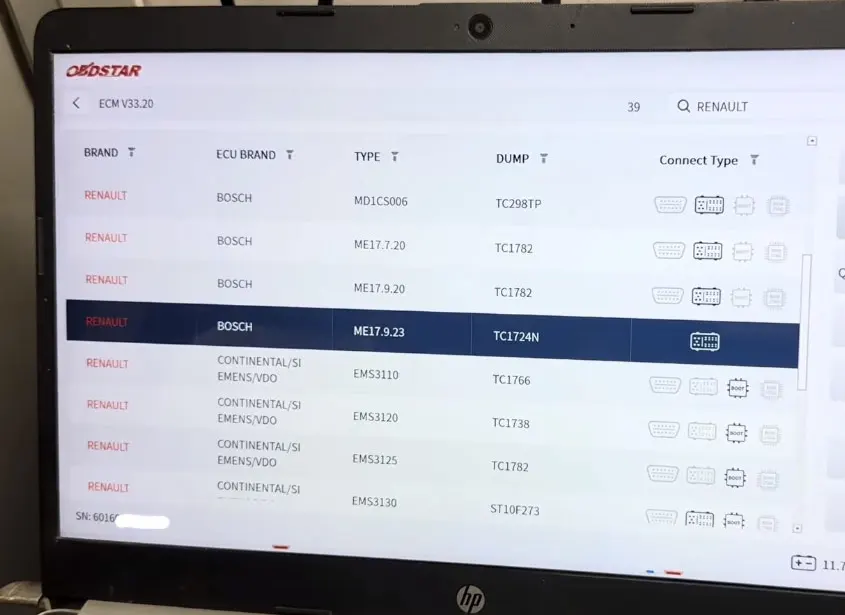
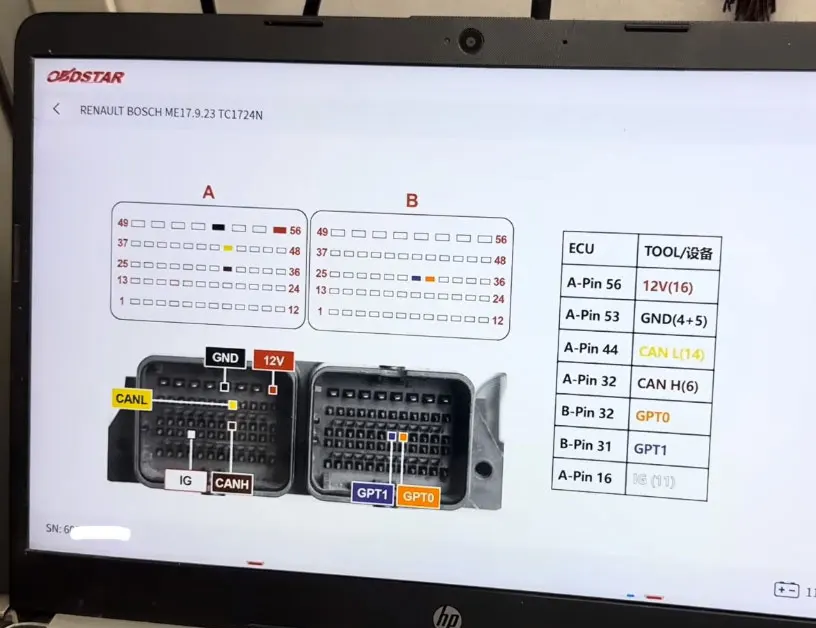
3. Review the Bench Wiring Diagram
Before making any physical connections, carefully examine the wiring diagram provided by the software. The diagram shows the exact pinout for the ECU connector, including power, ground, CAN lines, and any additional signals required for the read process. OBDSTAR is well-regarded for providing clean and simple connection diagrams that minimise the risk of wiring errors.
Technicians often praise the ECU Master for its "clean and tidy" pinout schematics, which make the physical setup straightforward even for those who are not electronic experts. The colour-coded wires and clear labelling help ensure that each connection is made correctly the first time.
4. Connect the ECU to the Bench Harness
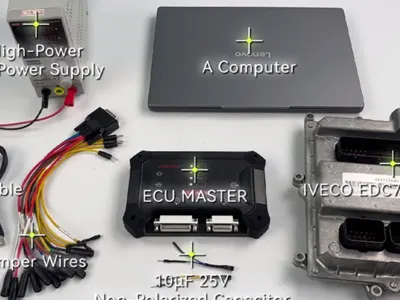
Now, physically connect the Renault ME17.9.23 ECU to the OBDSTAR ECU Master device using the appropriate bench harness. Double-check that all connections match the diagram precisely. A stable power supply is essential; use a regulated bench power source to avoid voltage drops during the read process.
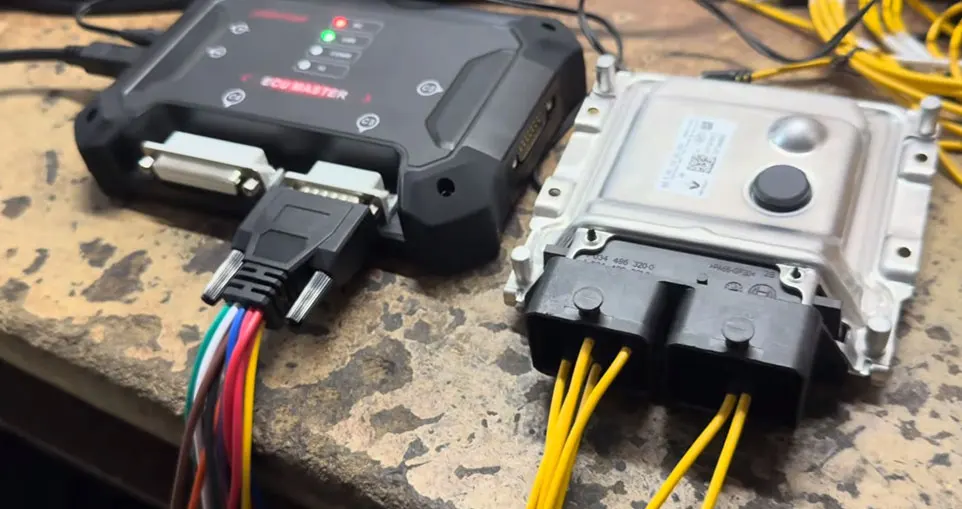
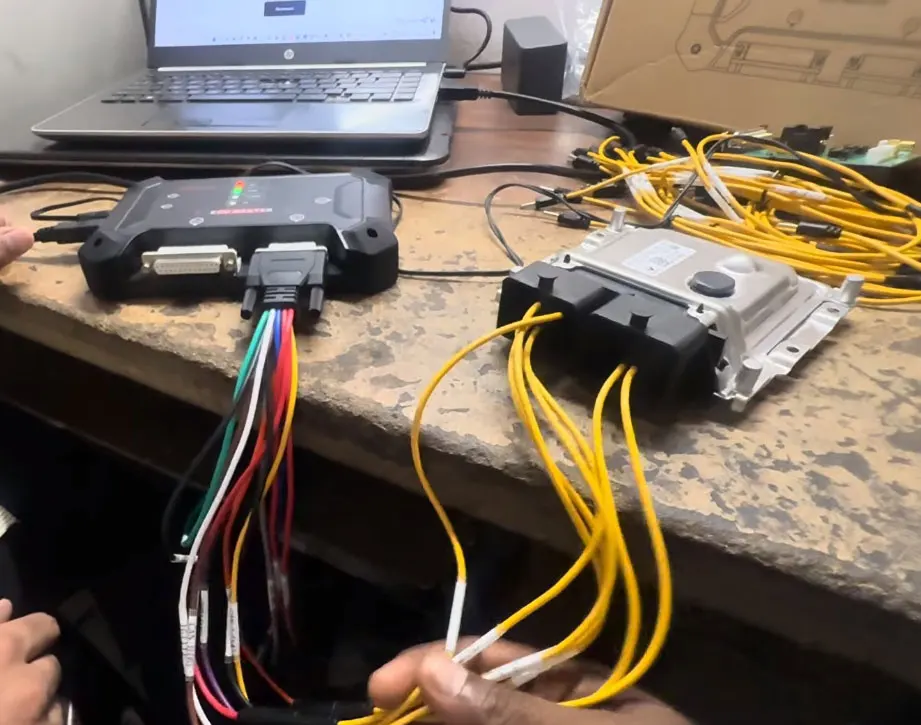
5. Establish Communication and Read MCU ID
With the hardware connected, return to the software and initiate communication with the ECU. The tool will attempt to establish a session with the TC1724M microcontroller. Once connected, it will read and display the MCU ID – a unique identifier that confirms the tool has successfully unlocked the security handshake. This step verifies that your wiring and power supply are correct before proceeding to the memory read operations.
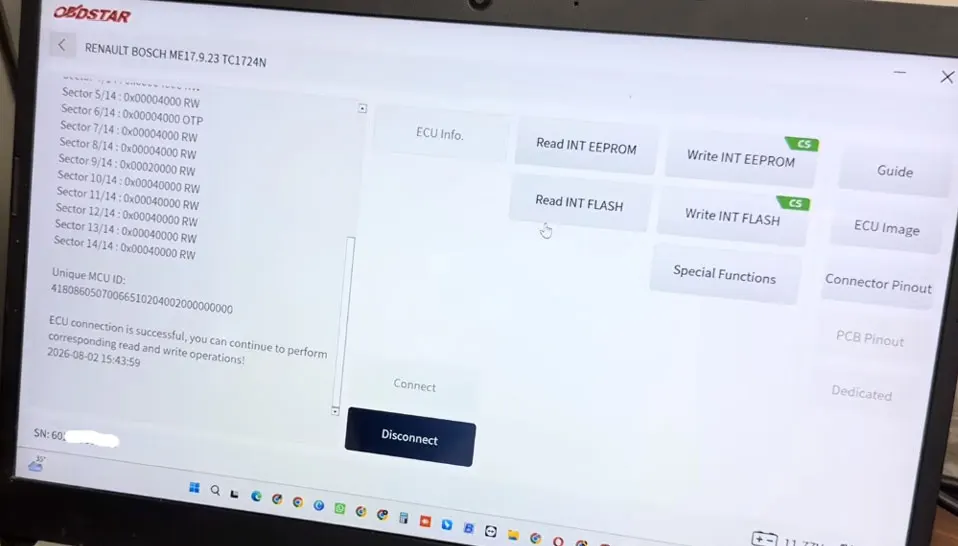
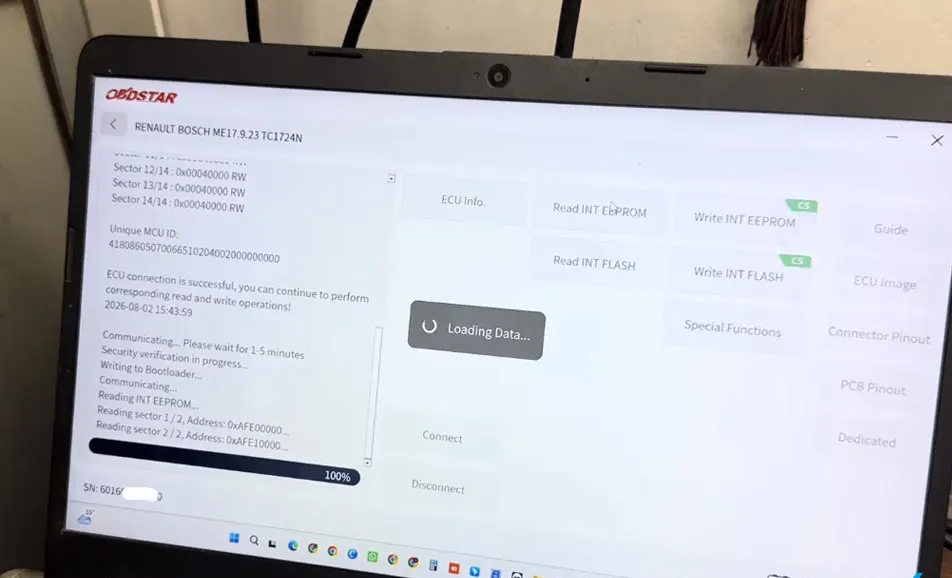
6. Read the EEPROM Data
The first data extraction phase targets the EEPROM (Electrically Erasable Programmable Read-Only Memory). This section typically stores vehicle-specific configuration data, immobiliser codes, and other critical parameters. The ECU Master reads the EEPROM in approximately 1 to 5 minutes, depending on the size and the speed of the communication link.
7. Read the Main Flash Memory
After the EEPROM read completes, the tool moves on to the main Flash memory. This region holds the actual engine control firmware (the "map" data), which is much larger in size compared to the EEPROM. Consequently, the Flash read takes longer – typically 10 to 20 minutes – but the OBDSTAR ECU Master handles this process without stuttering or display glitches, a common complaint with competitor devices.
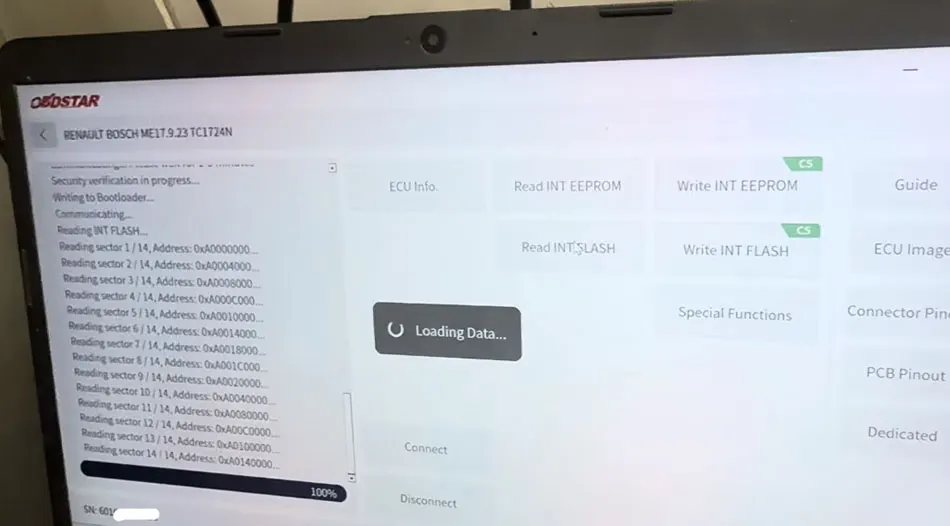
Operation Success – Smooth, Reliable, and Error-Free
Throughout the entire read process, the OBDSTAR ECU Master demonstrates exceptional stability. The software does not hang, crash, or suffer from the display corruption issues that plague many alternative tools. The progress bars update smoothly, and the software provides real-time feedback on the status of each operation.
Another critical factor is the tool's reliance on a stable internet connection. While this requirement may seem inconvenient, it ensures that the ECU Master software always uses the latest communication algorithms and security bypasses. This online connectivity means that even if Renault updates the ECU's security in future production batches, OBDSTAR can quickly push updates to keep the tool compatible.
Final Thoughts – Why the OBDSTAR ECU Master Stands Out
The Renault ME17.9.23 is undoubtedly one of the more challenging ECUs to work with, but the OBDSTAR ECU Master turns this challenge into a routine procedure. Its clear wiring diagrams, intuitive software, and reliable read performance make it an indispensable tool for any workshop that frequently services modern Renault vehicles. Whether you are cloning an ECU for a replacement, extracting data for tuning, or simply performing diagnostics, the ECU Master provides the access you need without compromising safety or data integrity.
In summary, the combination of a locked TC1724M IC, a secure hardware architecture, and the need for precise bench connections can be intimidating. However, with the step-by-step approach outlined above and the OBDSTAR ECU Master at your side, you can confidently read the EEPROM and Flash data, unlocking the full potential of the Renault ME17.9.23 ECU for your workshop operations.
For technicians looking to invest in a versatile, future-proof diagnostic tool, the OBDSTAR ECU Master is a compelling choice that consistently delivers results on some of the most secure ECUs on the market today.
Recent Comment
Ann Walker
Aug 13, 2026This article provides a detailed overview of the unlocking and reading process for the Renault ME17.9.23 ECU, serving as a highly practical technical guide for technicians who frequently work on Renault vehicles.