
Welcome to the official OBDSTAR ECU Master resource hub. This guide covers everything you need: downloading the software, registering a new account, logging in, updating modules, and understanding the different ECU Master editions.
Download OBDSTAR ECU Master Software & User Manual
Before you begin, make sure you have the latest version of the ECU Master application. The user manual is also available in PDF format for offline reference.
- User Manual (PDF): OBDSTAR ECU Master User Manual PDF – included in the software package or available from the support center.
- Software Download: Visit the official OBDSTAR download center at www.obdstar.com and select ECU Master to begin the download.
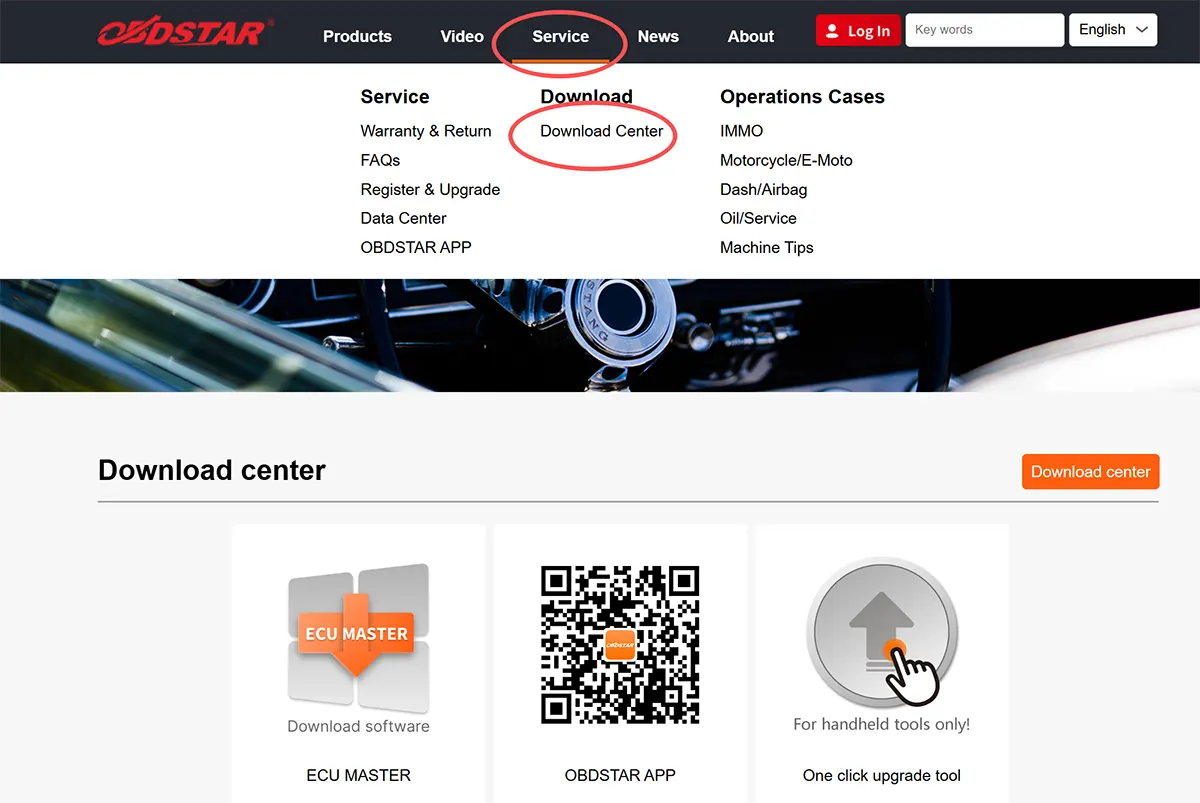
How to Register an OBDSTAR ECU Master Account
To unlock all features, you must create a personal account. Follow these simple steps:
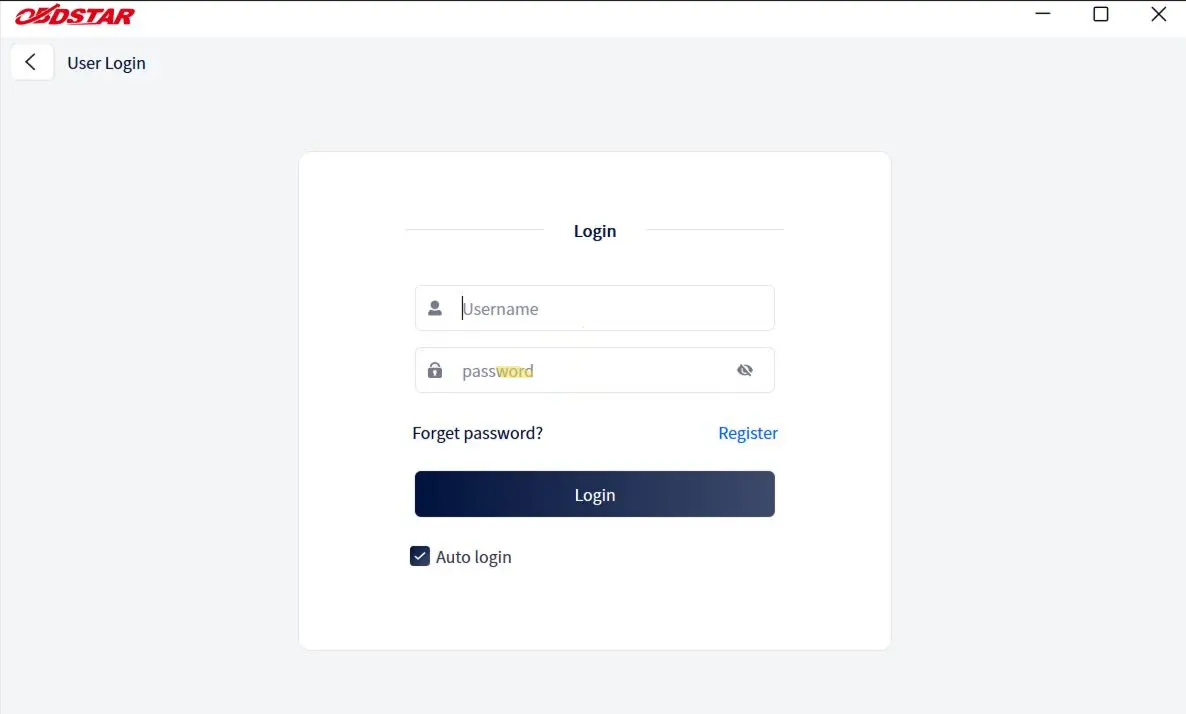
- Launch the ECU Master application and click the Personal Center icon (user profile symbol) to open the login screen.
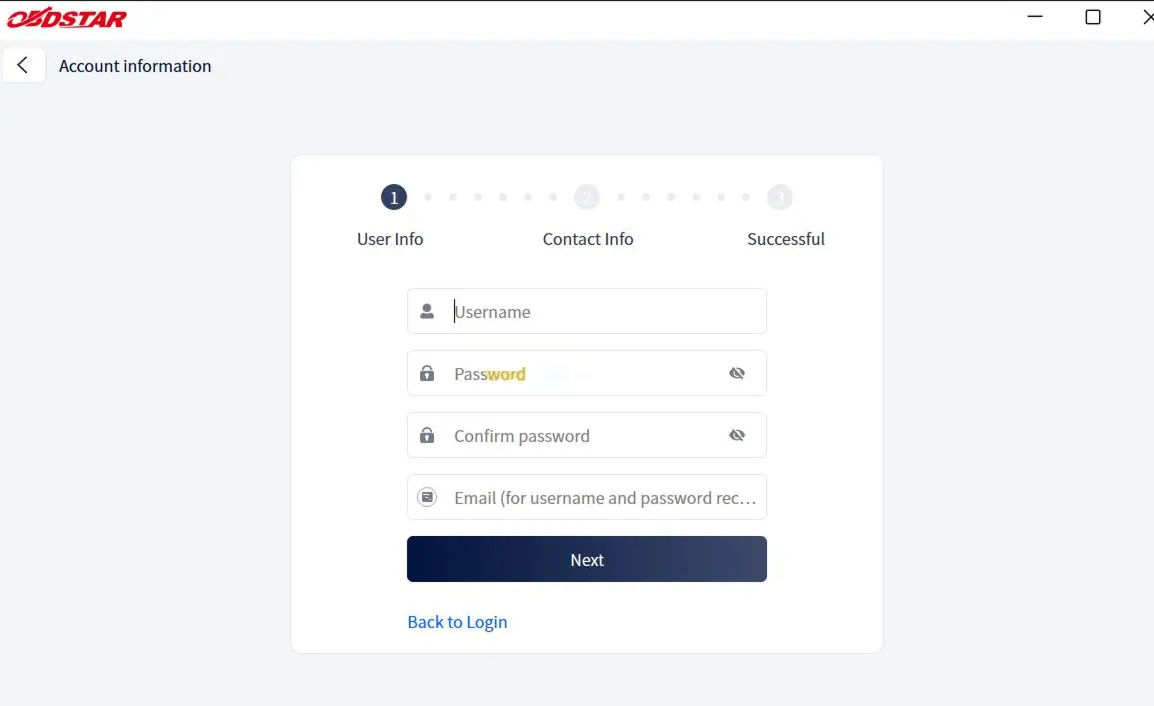
- On the login panel, click the Register button located at the lower right corner.
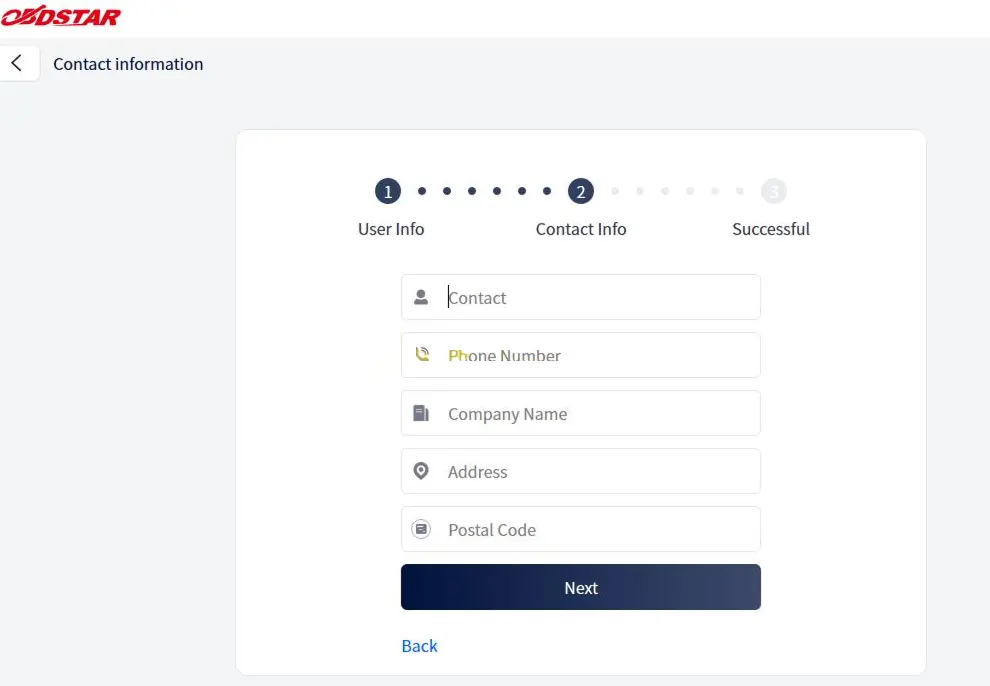
- Fill in the required fields – email, password, and other necessary information.
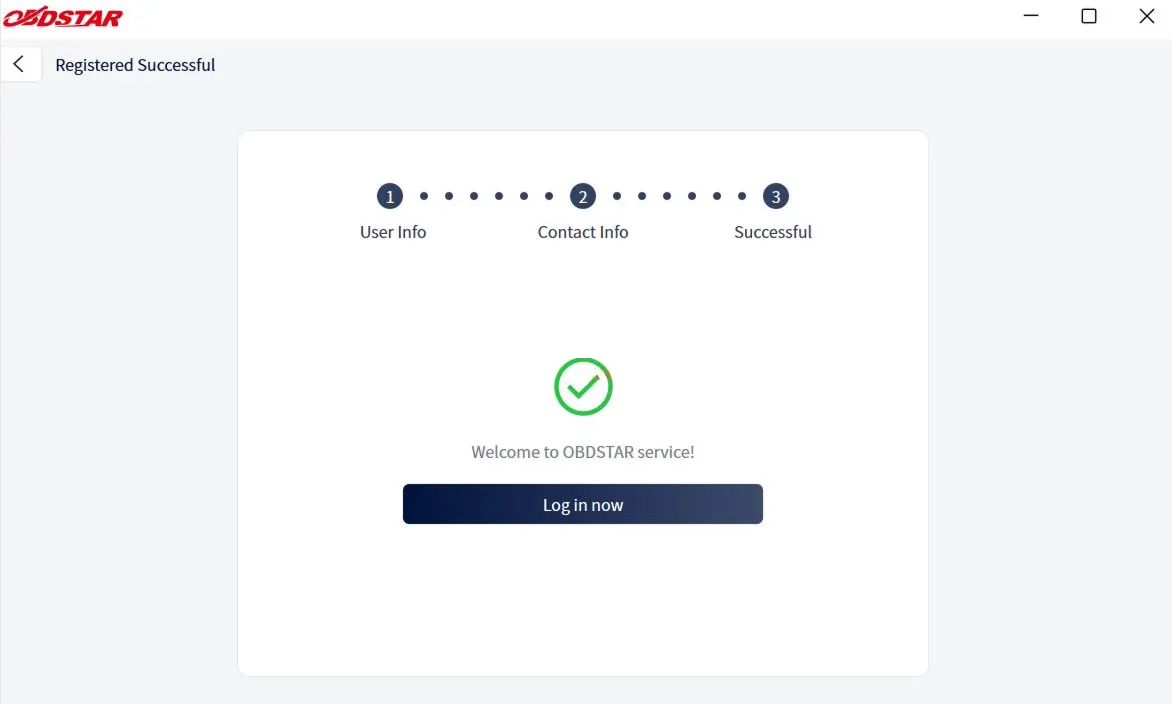
- After submitting, you will see a confirmation message. Click Log in now to proceed to your new dashboard.
Logging In and Password Recovery
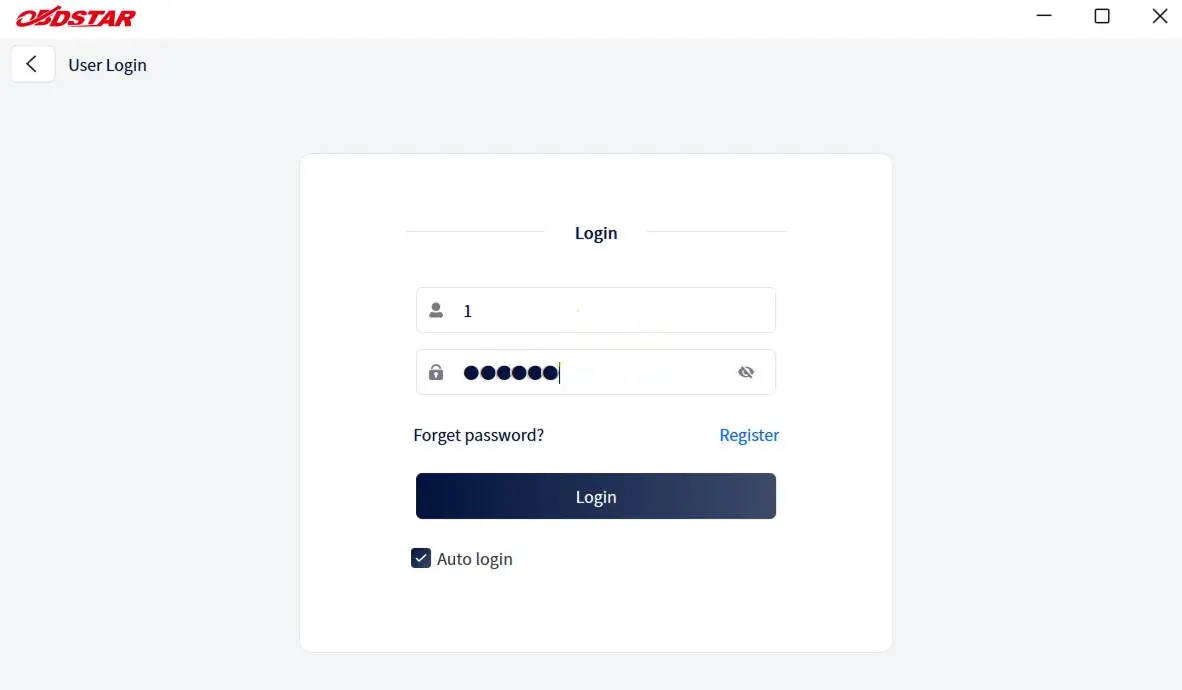
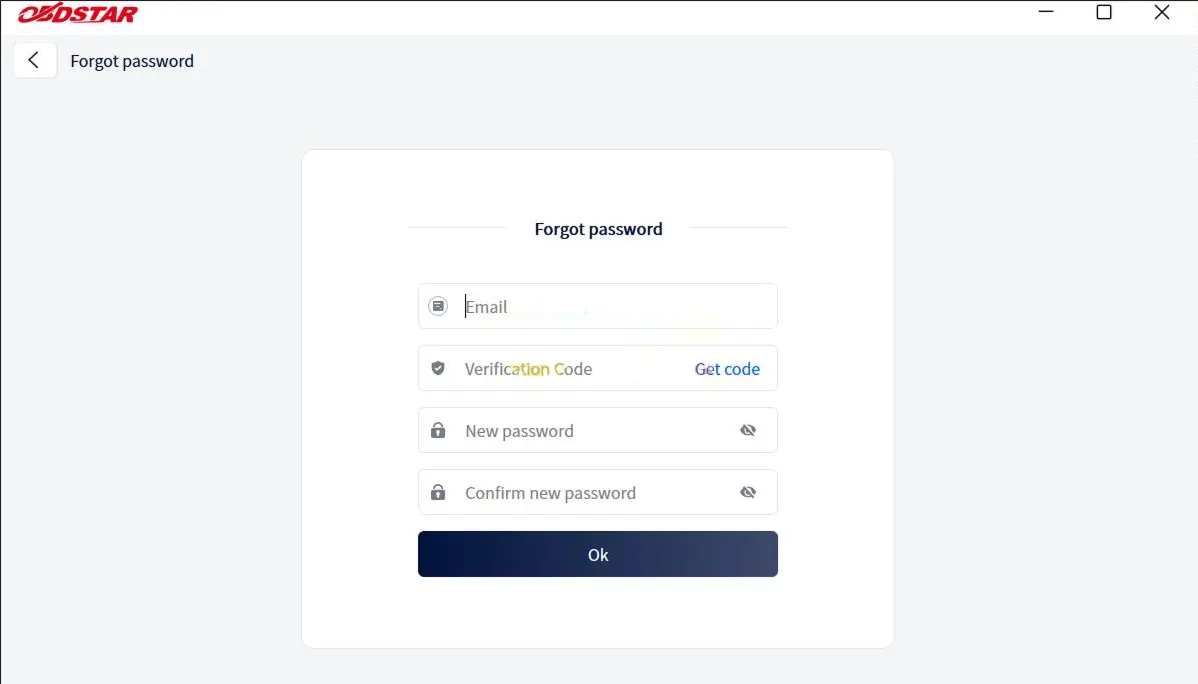
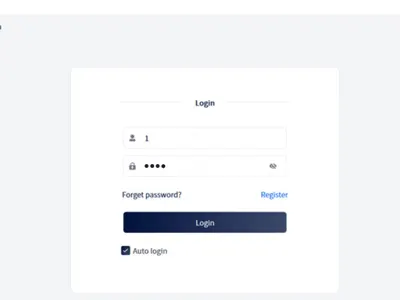
If you already have an account, simply enter your credentials and click Login. Forgot your password? Use the Forget password? link on the login page to reset it – just provide the required details and follow the instructions.
Using the Upgrade Function – Step by Step
OBDSTAR ECU Master provides access to diagnostic databases, vehicle software, data packages, and more. All updates are managed through the Upgrade module. Here’s how to use it effectively:
1. Select and Start Upgrades
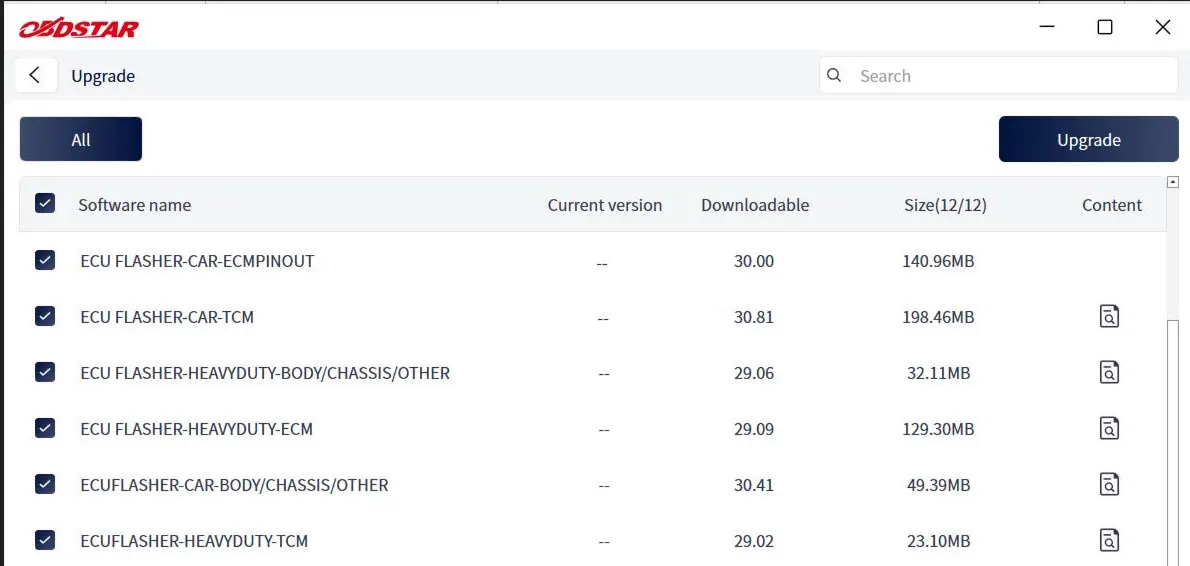
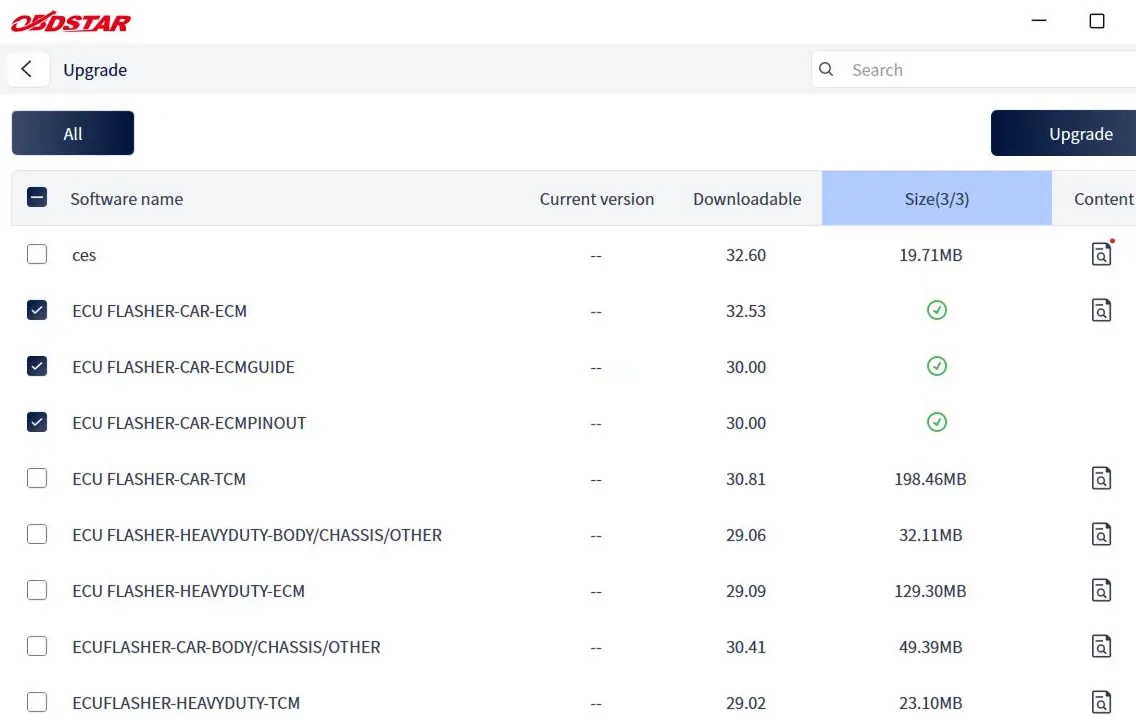
Log in to your account and navigate to the Upgrade main screen. You will see a list of available updates. By default, all upgradable items are selected. Deselect any optional software by unchecking the box next to its name (grayed-out items are mandatory and cannot be skipped). Once your selection is ready, click the Upgrade button in the top-right corner to begin. Use the search bar to quickly locate specific software by typing keywords or letters.
2. View Update Details
On the Upgrade main screen, the last column shows the upgrade content for each item. Click the corresponding icon button to view detailed version release notes and changes.
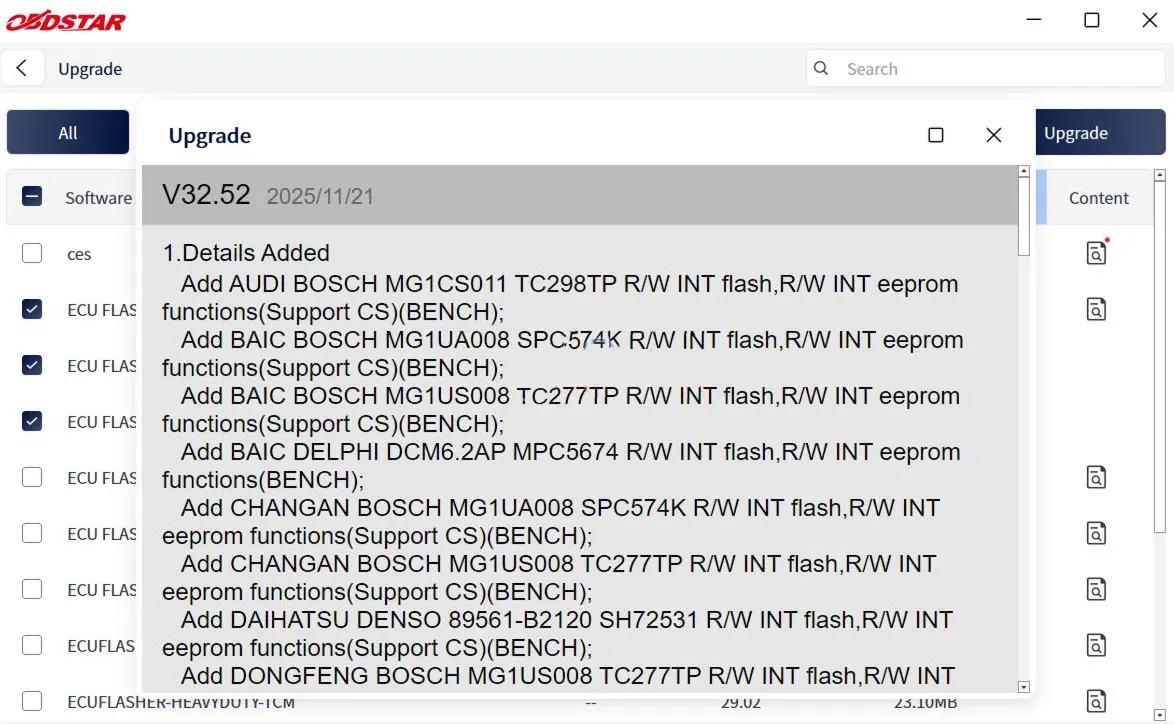
3. Download Status & Completion
If you click the Upgrade button again while a download is in progress, a pop-up will remind you: “Downloading. Please try again after the download finishes.” Once a software package is fully downloaded, a checkmark icon appears in column 5 of that row, confirming successful installation.
OBDSTAR ECU Master – Version Configurations
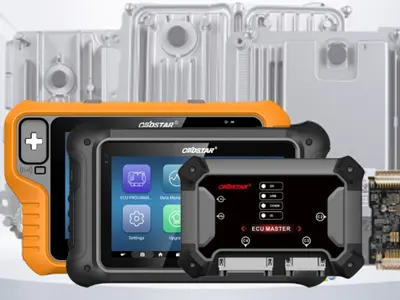
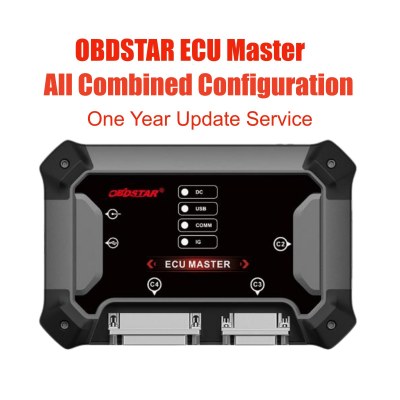
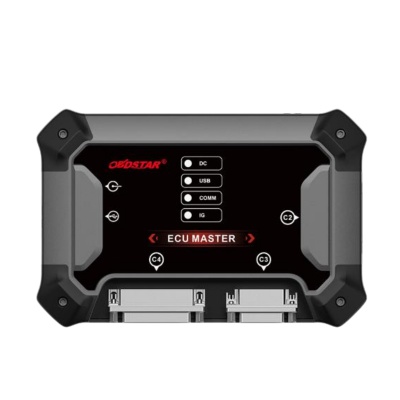
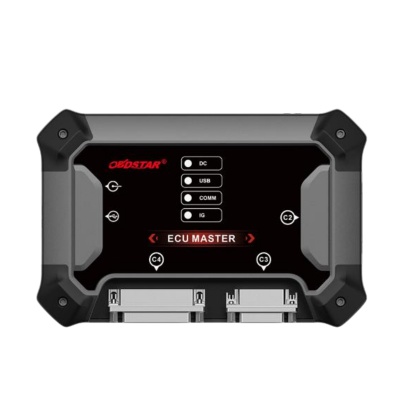
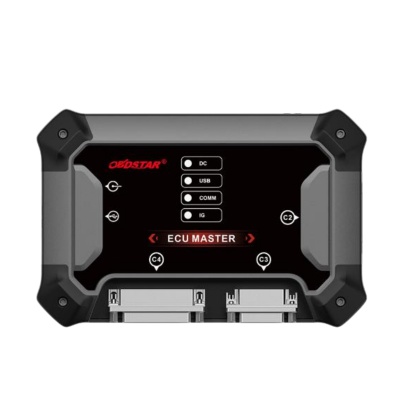
The ECU Master platform is available in multiple configurations to suit different vehicle types and diagnostic needs. Choose the edition that matches your workshop requirements:
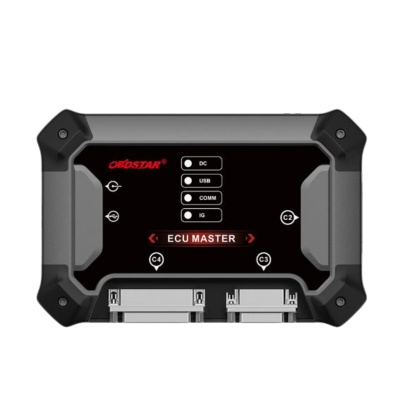
- Full Configuration (A+B+C+D): Comprehensive coverage for passenger cars, electric vehicles (EV), motorcycles, and heavy-duty (HD) – includes ECM/TCM/BCM cloning.
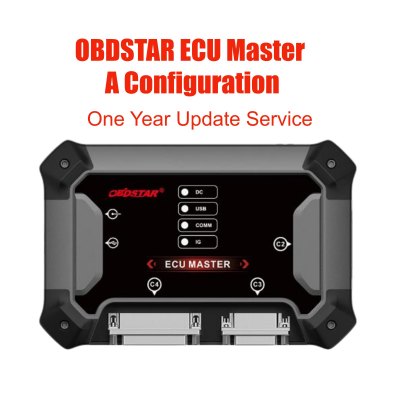
- A Configuration: Car TCM/ECM/BODY/CHASSIS/EV/BMS/VCU cloning with built-in P003+ MP001 Can FD support.
- A+B+C Configuration: Passenger car, EV, motorcycle, and HD (ECM/TCM/BCM) in one package.
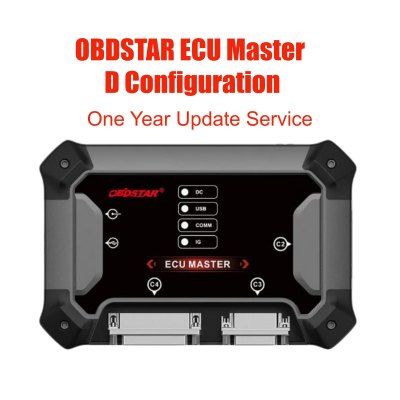
- D Configuration: Specialized for AIRBAG, OTHER, BATTERY, and SAS RESET functions.
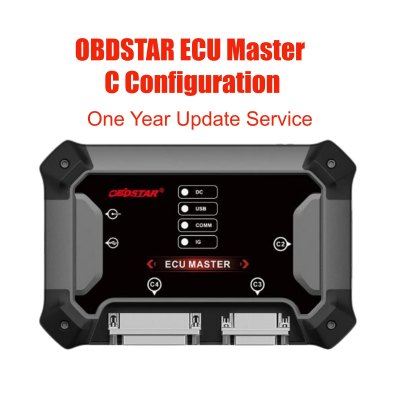
- C Configuration: PC-based ECU flasher for HD ECM/TCM/BCM cloning – ideal for trucks, tractors, and off-highway vehicles (OHW) and machinery.
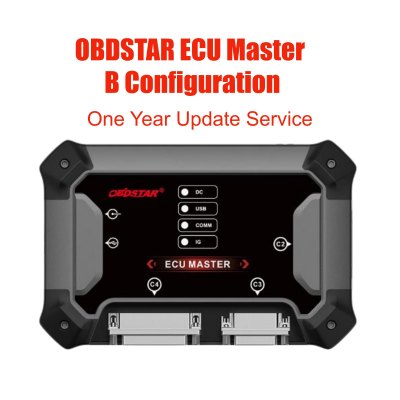
- B Configuration: PC-based ECU flasher for motorcycle ECM cloning – supports 100+ motorcycle brands and 300+ motorcycle ECU types.
For more detailed specifications, refer to the official OBDSTAR documentation or contact your regional distributor.
Recent Comment
Allen
Jul 31, 2026Thanks for sharing.