
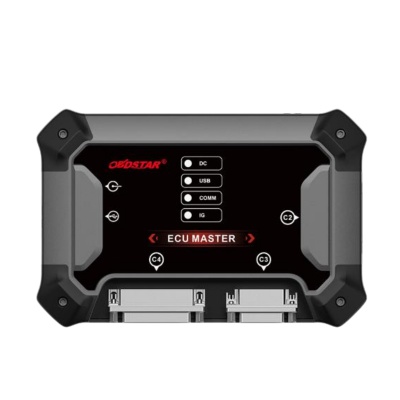
On 2021 and newer Ford Super Duty models such as the F-250 and F-350, the Bosch MD1CP006 ECU with TC298TP protection can block normal service access. OBDSTAR ECU Master provides a Boot-mode solution for unlocking this protected control unit, allowing workshops to read, write, and create a full backup after the unlock is completed.
Tools and Requirements
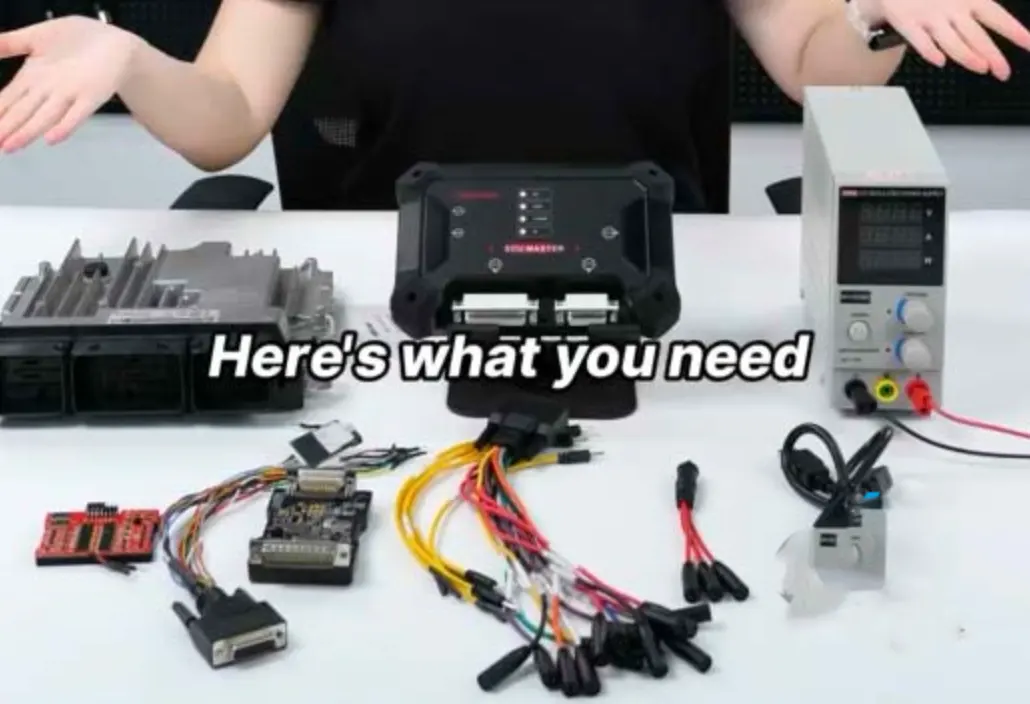
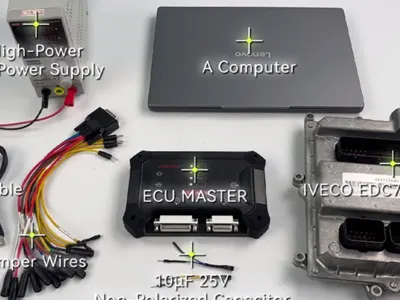
Prepare the following equipment before starting:
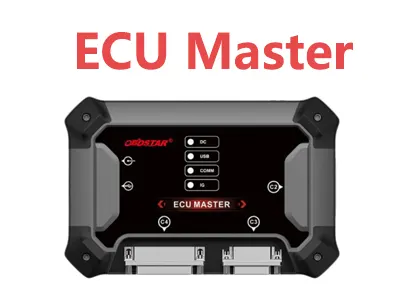
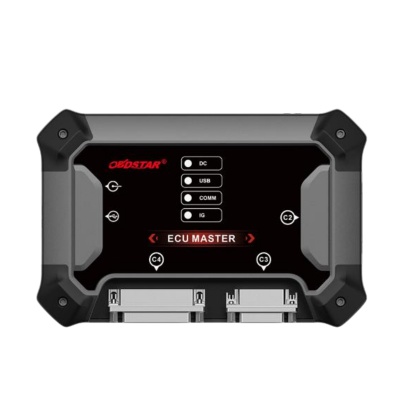
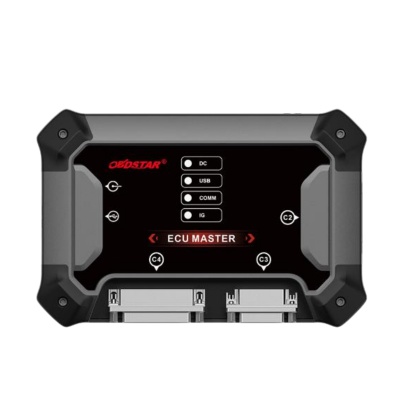
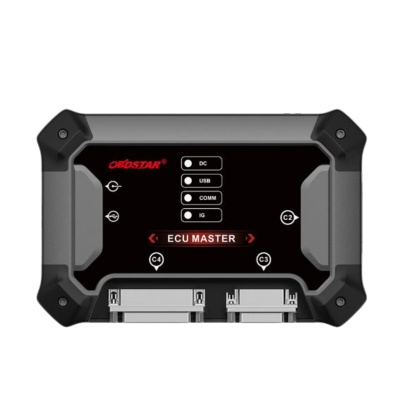
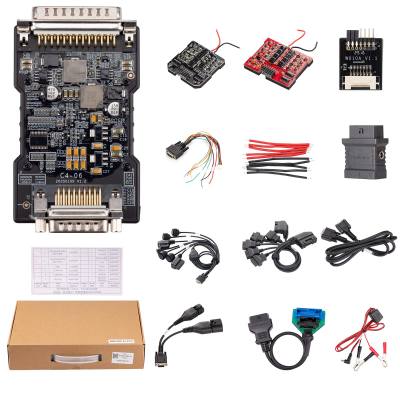
- OBDSTAR ECU Master
- OBDSTAR C4-06 adapter
- Battery maintainer or stable power supply
Operation mode: Boot.
Boot Mode Unlock Workflow
Step 1: Select the ECU and Boot Mode
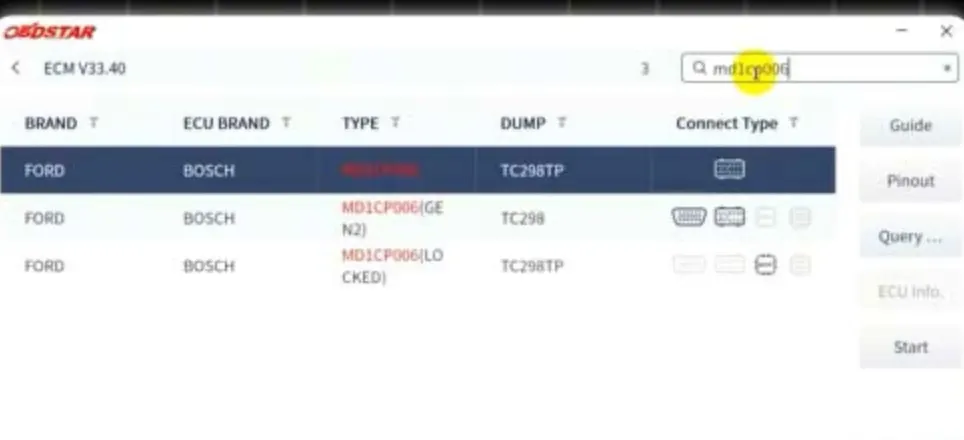
Use the quick search function to find MD1CP006, then choose Boot mode.
Step 2: Review Wiring and Pinout Information
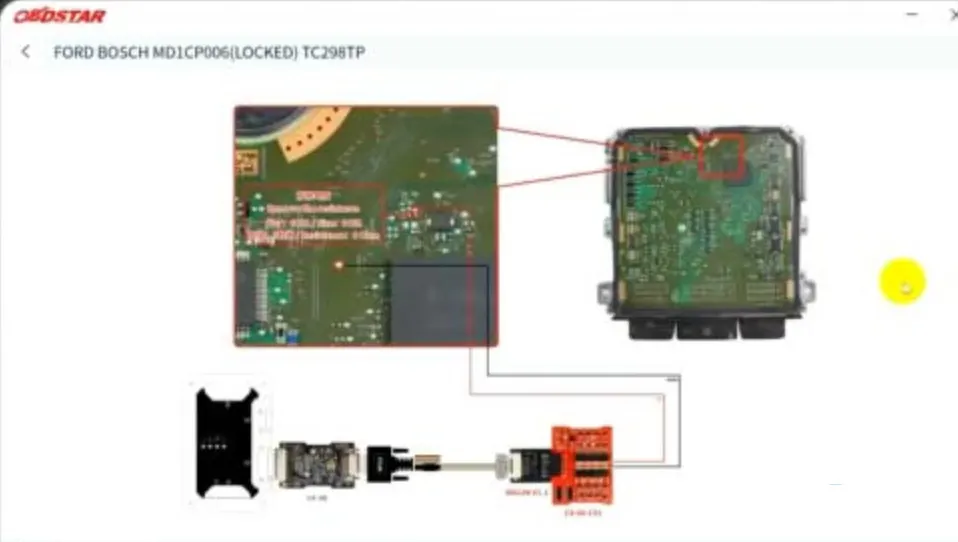
Read the on-screen instructions carefully. Check the PCB pinout and wiring diagram before making any connections.
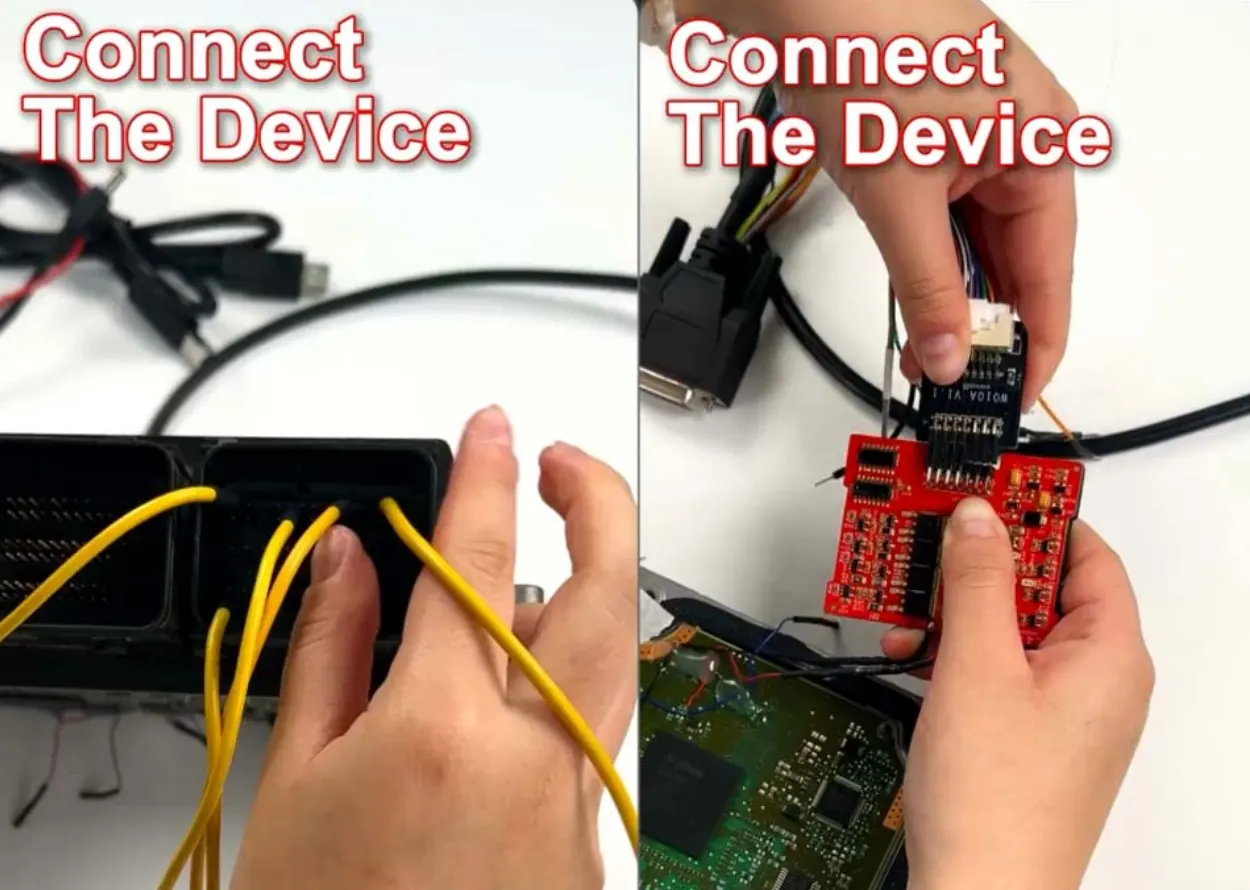
Step 3: Connect the ECU to ECU Master
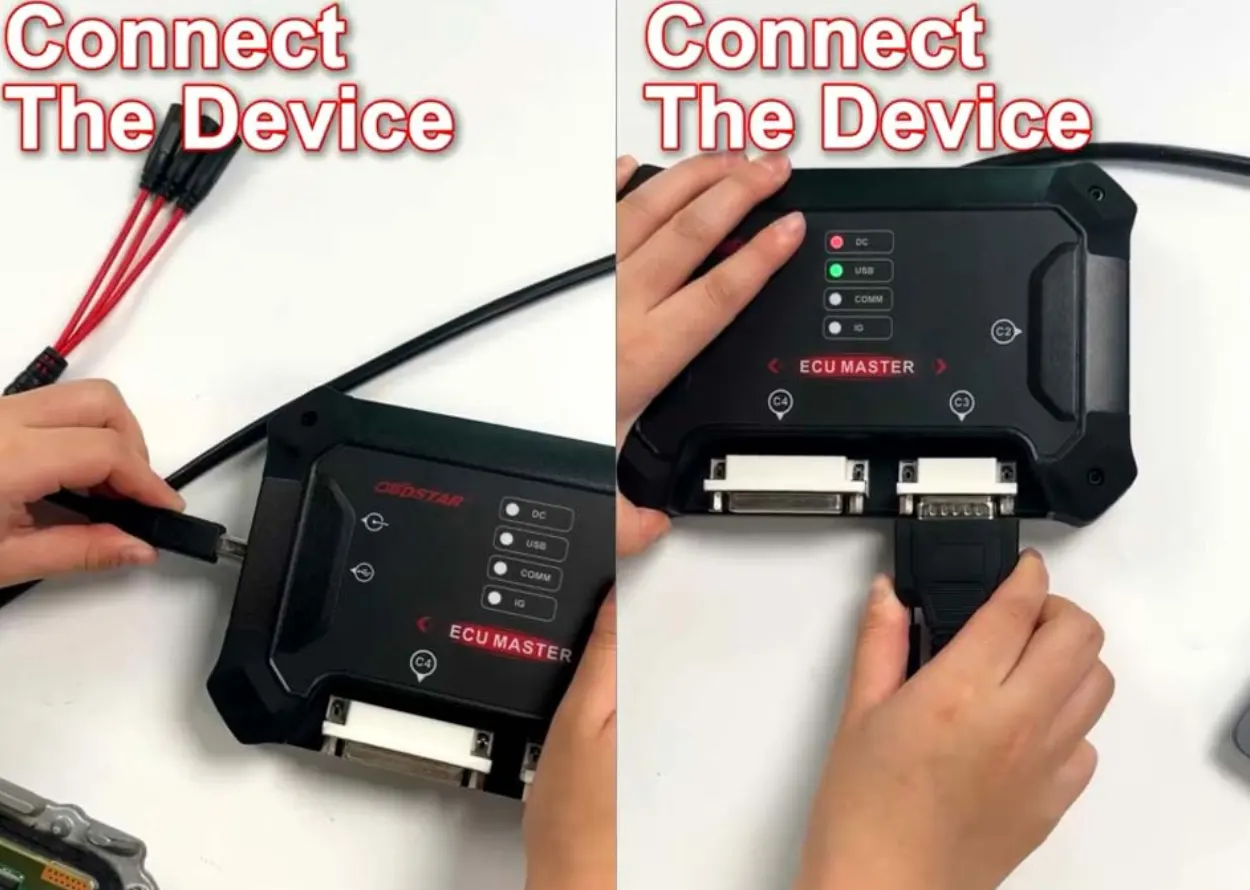
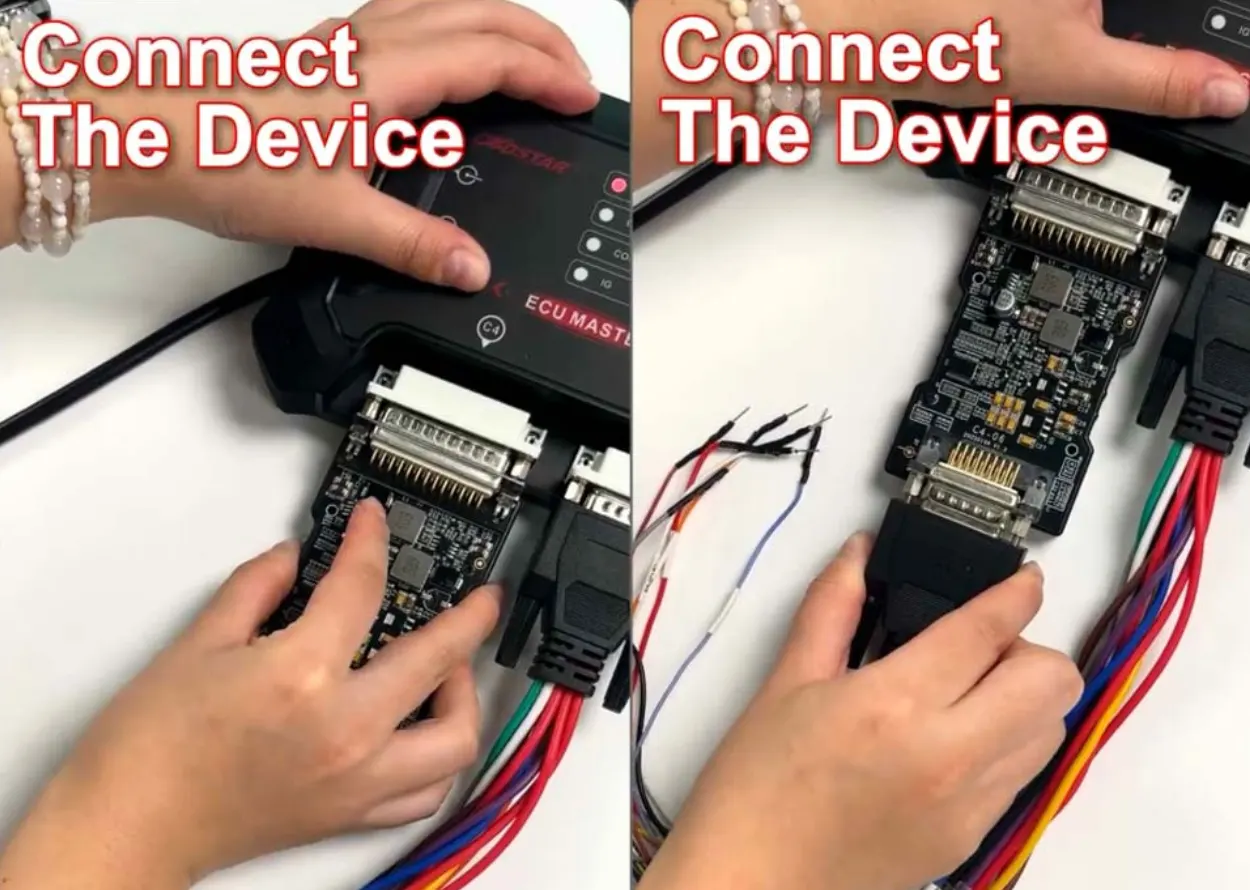
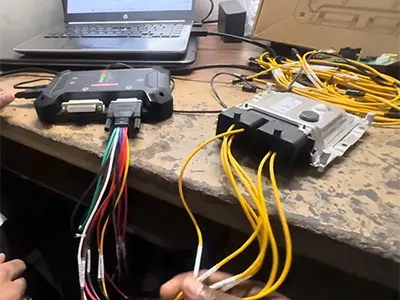
Link the ECU to the OBDSTAR ECU Master using a jumper cable and the C4-06 adapter.
Step 4: Supply Stable Power
Connect the ECU Master to a reliable power source. A battery maintainer is recommended to keep voltage stable throughout the procedure.
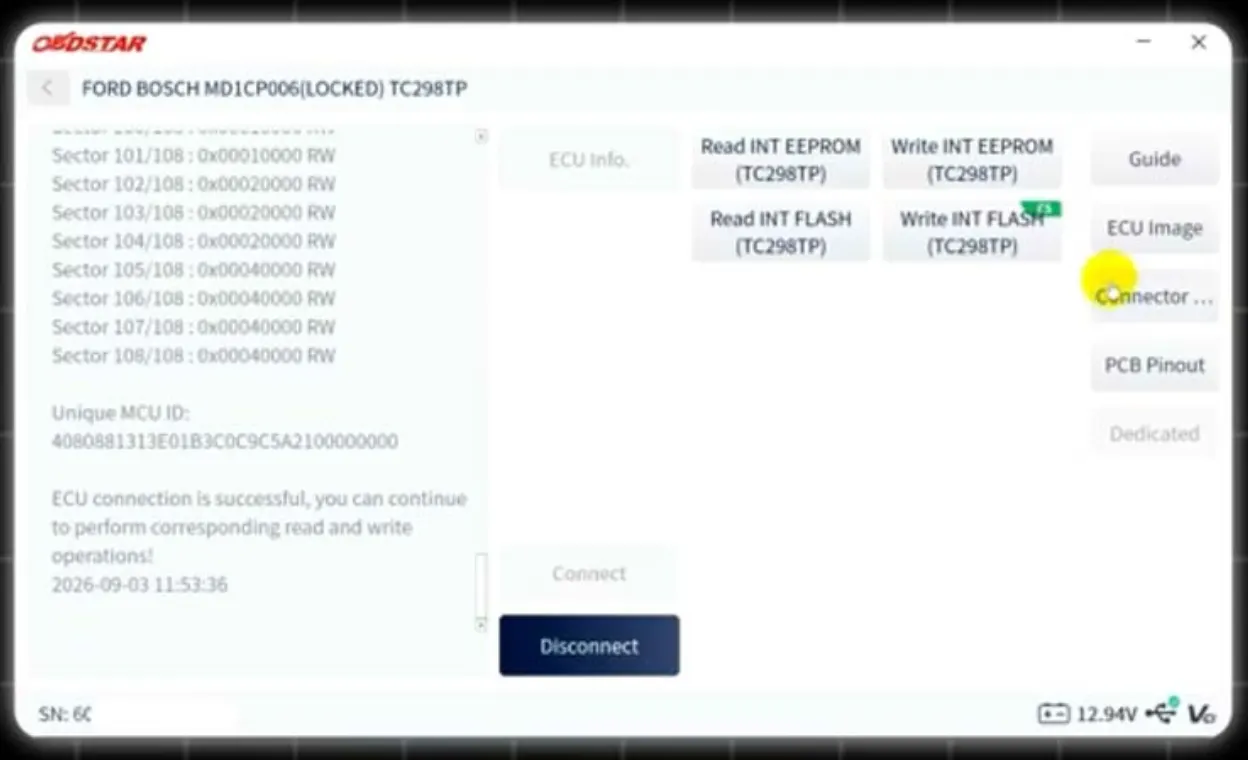
Step 5: Identify the ECU and Read Data
Identify the connected ECU, then read the MCU ID. After that, read the eeprom data.
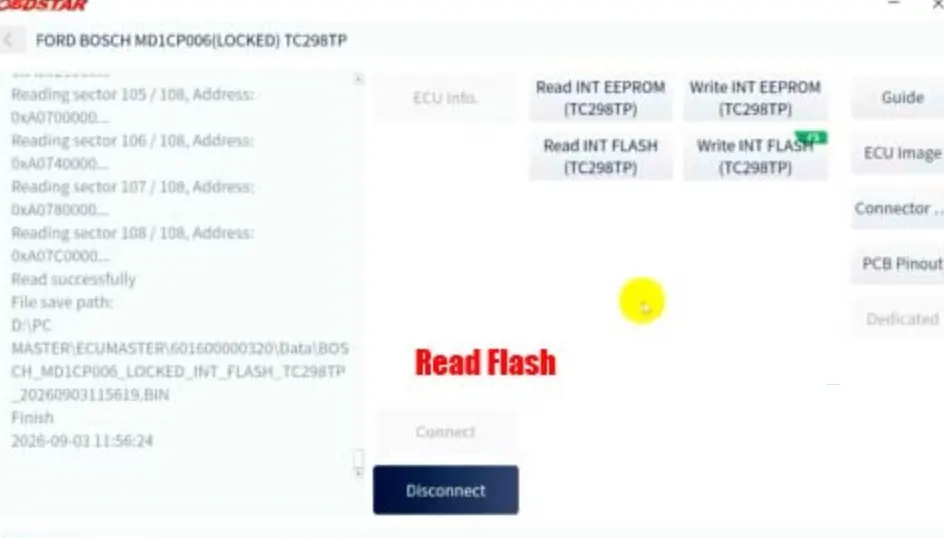
Step 6: Read Flash Data
Continue by reading the flash memory.
Step 7: Write Eeprom Data
Write the eeprom data as required by the unlock process.
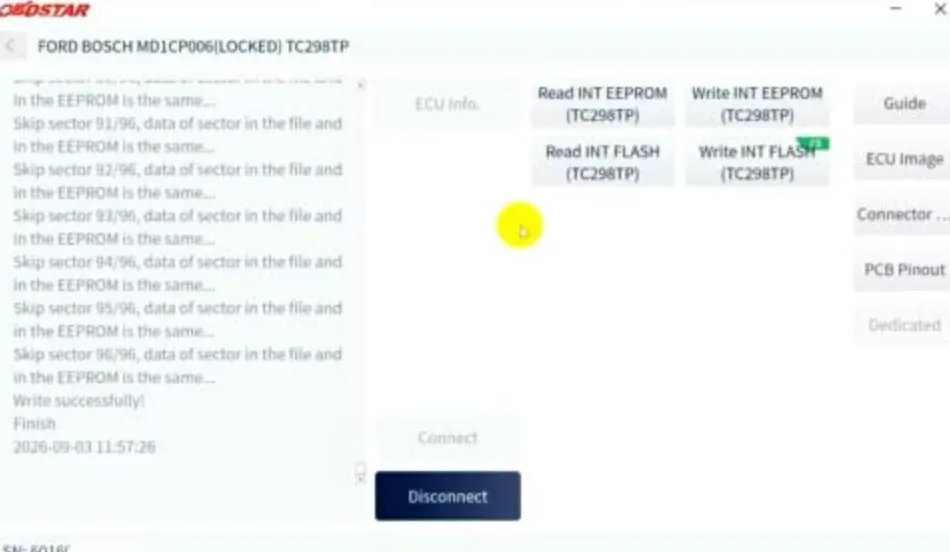
Step 8: Write Flash and Correct Checksum
Write the flash data. The ECU Master will correct the checksum automatically.
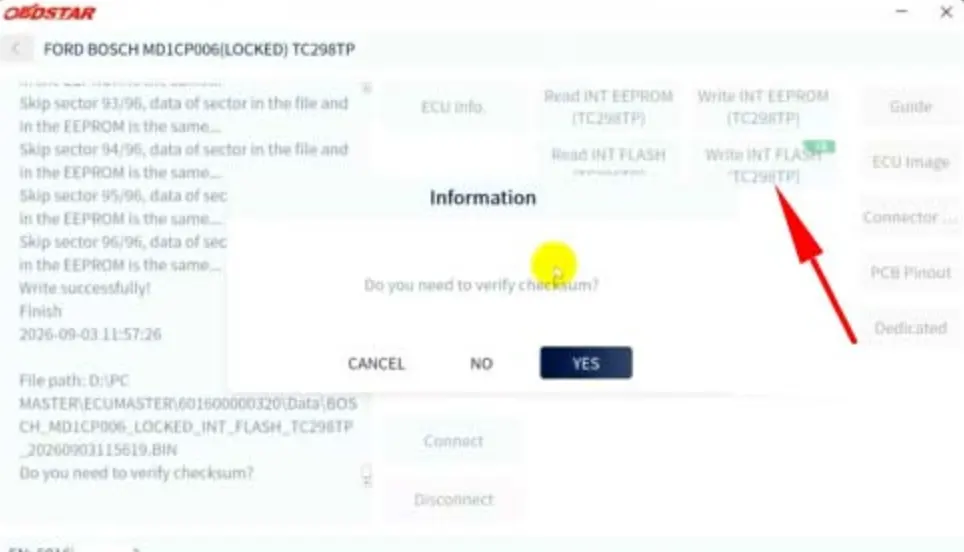
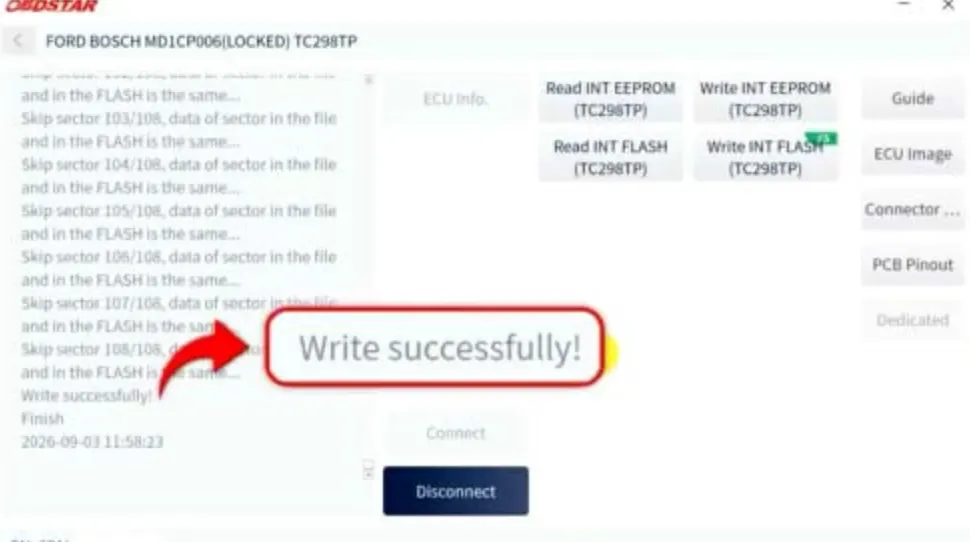
Step 9: Confirm Successful ECU Write
Once the write operation is complete, the ECU should be written successfully. After unlocking, you can perform read, write, and full backup operations in Boot mode.
Notes for Ford F-250 and F-350 ECU Unlocking
This Boot-mode procedure is designed for 2021 and newer Ford F-250 and F-350 trucks equipped with Bosch MD1CP006 and TC298TP protected ECUs. Always verify pinout, wiring, and power supply stability before starting. Keep a full backup whenever possible, especially before writing data.
Recent Comment